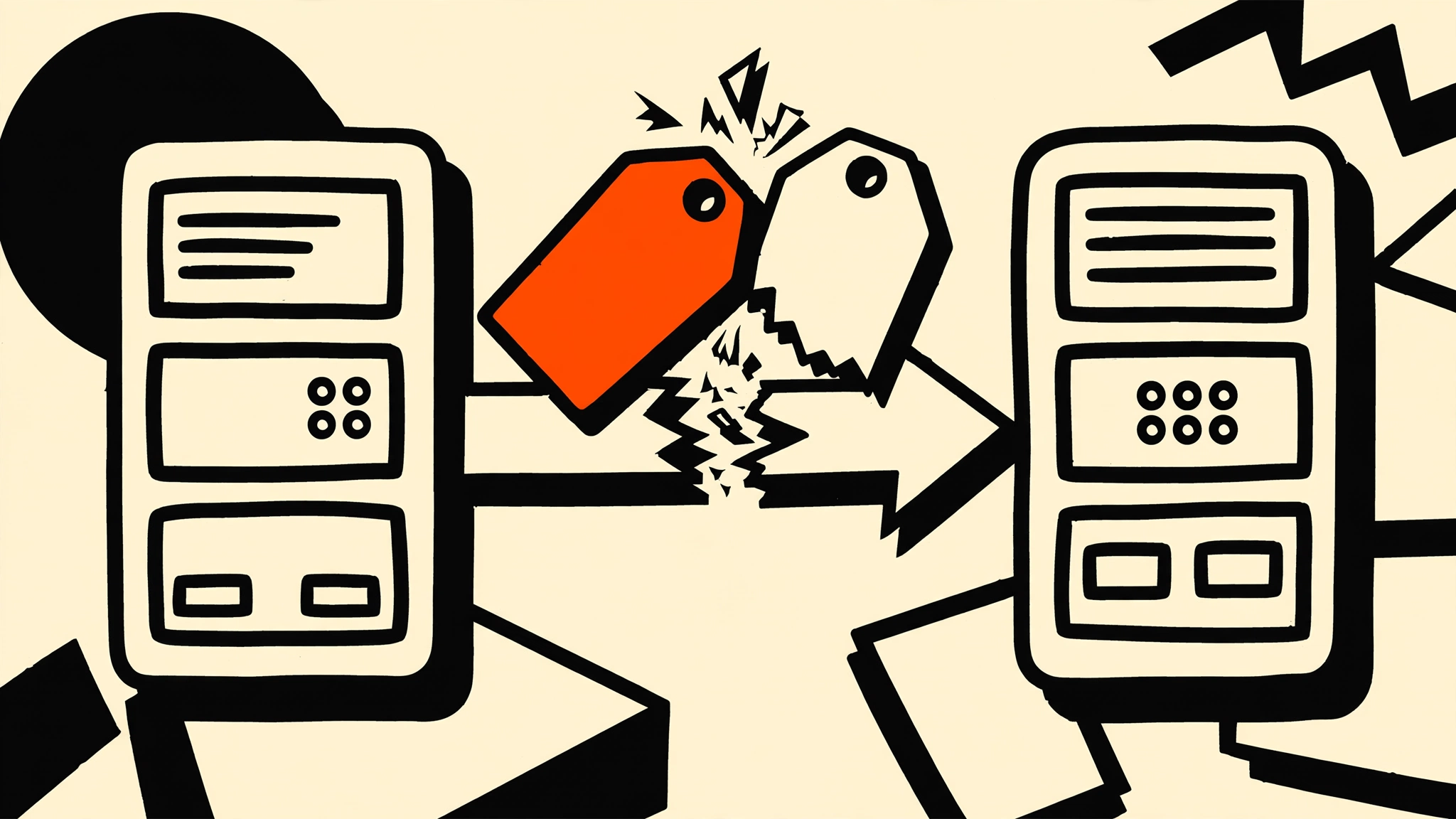
You pull from Git into your n8n instance, the pull reports success, and nothing looks wrong — until your workflows start behaving as if a variable was never set. A variable that had a real value yesterday now reads as an empty string, and every $vars lookup that used it silently returns "". There is no error, no warning, and no failed execution to point at. The cause is a bug in n8n’s source control import: when Git tracks the same variable key under a different id than your instance, the pull overwrites your local value with the sync placeholder — an empty string. By the end of this post you will know exactly when a pull blanks a value, how to restore it, and the pre-pull check that stops it happening again.
The symptom: a variable’s value becomes an empty string after a pull
The setup is a normal multi-environment n8n install using Source Control & Environments (Business and Enterprise plans). One instance holds a variable with a real, instance-local value:
Variables page: VAR1 = "https://api.example.com/v2"Another instance — or the same variable created independently upstream — has the same key VAR1 under a different id. In the Git repository, variable_stubs.json records the stub:
{ "id": "remote1", "key": "VAR1", "value": "" }That empty value is not a mistake in the repository. n8n deliberately never syncs variable values through Git: only the stub (id, key, and an empty placeholder value) travels, and each instance is expected to hold its own real value. The problem is what the pull does with that placeholder.
After the pull, check the Variables page on the receiving instance:
Variables page: VAR1 = ""The value is gone. Any workflow reading $vars.VAR1 now gets an empty string — an API base URL becomes nothing, a database name becomes nothing — and because an empty string is a valid value, nothing throws. The workflows keep running with wrong data until someone notices the downstream damage.
A forced pull makes it worse: the pull’s status step also marks the local id as a conflicting deletion, so the local variable is deleted outright and recreated empty under the remote id. Same result, one extra step of destruction.
This was reported in GitHub issue #44757 (opened 2026-11-21, reporter Mattenhaim), reproduced with a unit test against current master. It is team-assigned with Linear ticket GHC-9830, still open as of 2026-11-23, with no pull request or fixed version yet — so the steps below are the fix for now.
The root cause: the key-collision fallback overwrites the value it should preserve
n8n’s source control import has two paths for a variable stub, and they disagree about the value.
The same-id path gets it right. When the stub’s id already exists on the instance, the import deliberately leaves the existing value untouched — real values are instance-local, so re-importing a stub must never clobber them. That rule was established in issue #38488.
The key-adoption path misses the rule. When the stub’s id does not exist locally but its key matches an existing local variable, the upsert hits the database’s unique constraint on the key and SourceControlImportService.importVariables falls back to:
update({ key }, { ...variable })The ...variable spread carries the remote stub — including its placeholder value: "". The fallback writes the whole stub over the local row, so the local value is replaced with the empty placeholder. The instance’s real value is destroyed by the very mechanism that exists to protect it, in the one case the same-id rule does not cover.
The forced-pull variant follows the same logic one step further: status compares the local variable list with Git, sees the local id local1 nowhere in the repository, marks it a conflicting deletion, and the pull deletes it and recreates the variable empty under the remote id remote1.
Note the difference from the sibling bug reported the same day: issue #44758 is about a pull deleting a variable that was moved from one team project to another upstream. That bug loses the whole variable; this one keeps the variable and empties it. If a pull leaves a variable missing entirely, you are hitting #44758, not this one.
The fix: restore the value, then stop the collision
There is no setting that repairs this, and no restart helps — the import itself writes the empty value. The fix is a restore plus a pre-pull habit.
Step 1 - Snapshot your variable values before every pull
Before you pull, record the current values of every variable on the instance. The Variables page in the sidebar shows them, or list them through the Public API (use an API key from Settings → n8n API):
curl -s -H "X-N8N-API-KEY: <your-api-key>" \
  "https://<your-n8n-host>/api/v1/variables"
Keep that snapshot somewhere outside Git — a password manager, a sealed note, or an encrypted file. Never commit real values to the repository; the whole point of the stub design is that values stay out of Git.
If you have already pulled and the value is blank, check whether you have a snapshot from before the pull — a previous API export, a screenshot, or the value recorded in your team’s runbook. If nothing exists, the value is gone from n8n and must be re-entered from wherever it originally came from (the service that issued it, your secrets store, or the other environment that holds the same key).
Step 2 - Restore the blanked value
Open the Variables page, click the variable, and type the real value back in. Or restore it through the Public API with the variable’s id (list the variables first with the GET call above to get the id):
curl -s -X PATCH -H "X-N8N-API-KEY: <your-api-key>" \
  -H "Content-Type: application/json" \
  -d '{"value": "https://api.example.com/v2"}' \
  "https://<your-n8n-host>/api/v1/variables/<variable-id>"
Replace <your-n8n-host> with your n8n host, <your-api-key> with an API key, <variable-id> with the variable’s id, and the value with the real one from your snapshot.
Step 3 - Verify the value is back
Re-read the variable through the API and confirm the value is the real one, not "":
curl -s -H "X-N8N-API-KEY: <your-api-key>" \
  "https://<your-n8n-host>/api/v1/variables/<variable-id>"
Then run a workflow that reads the variable — a Code node with return [{ json: { v: $vars.VAR1 } }]; is enough — and confirm the execution output carries the real value. Do this before reactivating anything the pull may have touched: a workflow that ran with the empty value may have already written bad data downstream.
Step 4 - Prevent the next pull from blanking it again
The collision only happens when the same key exists under two different ids. Pick one of these before the next pull:
- Align the ids. Delete the local variable and let the next pull create it under the remote id, then set the value once on the instance. After that, stub id and local id match, and the same-id path — the one that preserves values — handles every future pull.
- Rename the key on one side. If the two variables are genuinely different things that happen to share a key, rename one of them (for example
VAR1→VAR1_PROD) before pulling, and update the workflows that read it. No key match, no fallback, no blanking. - Do not force-pull into an instance that holds local variables. A regular pull only blanks the value; a forced pull deletes the variable and recreates it empty. If the pull reports a conflict on a variable, resolve it by aligning the ids or renaming the key first — do not force through it.
Prevent it next time
- Diff
variable_stubs.jsonbefore you pull. Open the file in the repository (it sits in the source control work folder, the local clone of the connected repo under~/.n8n/gitfor npm installs or/home/node/.n8n/gitfor Docker) and look for a key that exists on your instance under a different id. That is the exact collision this bug needs — if you see it, align the ids or rename the key before pulling. - Snapshot variables as part of every deploy. The
GET /api/v1/variablescall in Step 1 takes seconds and turns a silent data-loss bug into a one-minute restore. Make it a checklist item next to the pull itself. - Treat a blank value as a red flag, not a missing configuration. If a variable that had a value is suddenly empty after a pull, do not just re-type the value and move on — check whether the pull also hit the sibling bug (#44758) and deleted a variable, and check whether any workflow ran with the empty value in between.
- Keep values out of Git, always. The placeholder
""in the stub is by design. The bug is that the import writes it over a real value; committing real values to the repo to “fix” that would trade a recoverable bug for a permanent secret leak. - Watch for the upstream fix. The proper fix is for the key-adoption fallback to preserve the existing value, exactly as the same-id path already does. As of 2026-11-23 no fix has been merged — issue #44757 is still open, team-assigned under GHC-9830 — so the snapshot-and-align habit above is the workaround until a release ships the fix.
- Audit the other source control import paths. The same service had two more bugs reported the same day: #44758 (pull deletes a variable moved between projects) and #44759 (export reports file entries by resource name instead of the id-based path it writes). If your team moves variables between projects, read the #44758 post too.
FAQ
Does this affect credentials too?
No — this bug is specific to variables. Credentials travel as stubs as well, but the credential import path is separate and this key-collision fallback is in the variable import. Credentials have their own long-standing sync quirks (values resetting on pull has been reported separately), so snapshot those too, but a blanked credential is a different bug.
My variable is blank but I never force-pulled. Is this still the bug?
Yes. A regular pull blanks the value through the key-collision fallback; the forced pull only adds the delete-and-recreate step on top. If the variable’s key exists in variable_stubs.json under a different id than your instance’s, a normal pull is enough to blank it.
The variable is missing entirely after the pull, not just blank. What happened?
That is the sibling bug, issue #44758: the pull’s per-project prune deletes a variable that was moved from one team project to another upstream. Restore it the same way — recreate the variable under the correct project and set its value — and check the pull’s project files in Git to confirm which project should own it.
I use n8n Cloud, not self-hosted. Am I affected?
Source control and environments are available on n8n Cloud’s Business and Enterprise plans as well as self-hosted, and the import service is the same. If your Cloud instance pulls from Git and a variable key exists under a different id, the same fallback runs. The API restore in Step 2 works on Cloud too.
Can I just re-push from the instance to fix the ids?
Pushing writes the instance’s stubs to Git, including the local id — but it does not reconcile the remote id that already exists for the same key. If the other environment already owns remote1, your push creates a second stub for the same key under local1, and the next pull on the other side hits the same collision in reverse. Align the ids deliberately (Step 4) instead of pushing over the mismatch.
Key Takeaways
- A source control pull can silently blank a variable’s value — when Git tracks the same key under a different id, the import’s key-collision fallback writes the stub’s placeholder
value: ""over your instance-local value, with no error and no failed execution. - The same-id path already preserves values; the key-adoption path does not — the rule from #38488 was never applied to the fallback in
SourceControlImportService.importVariables, and a forced pull additionally deletes the local variable and recreates it empty. - Restore from a snapshot, then align the ids or rename the key — snapshot with
GET /api/v1/variablesbefore every pull, restore with the Variables page orPATCH /api/v1/variables/{id}, and make the ids match so future pulls take the value-preserving path. - No upstream fix is merged yet — issue #44757 is still open as of 2026-11-23, team-assigned under Linear GHC-9830, so the pre-pull diff of
variable_stubs.jsonis the protection until a release fixes the fallback.
Next: if a pull leaves a variable missing entirely instead of blank, you are likely hitting the sibling bug, issue #44758 — the same service deletes variables that were moved between team projects upstream. That issue is tracked in the backlog for a companion post.